

Rooms
CIVL 302 Study Group
- DevonRoom 204 is free till six if we want it
- Priyaperfect - bringing the past midterms
- Devonalso run club sunday - who's in?
- Mayajust signed up, see you at 9
Message the room…Send






Upload your timetable and syllabi, connect your calendars - Stead builds the term.
A diagram: a timetable and a set of syllabi are uploaded and existing calendars are connected; the three meet at Stead, which builds the term - classes, deadlines and student life.
Multiple places to check. One place to look.
Phone app coming soon.
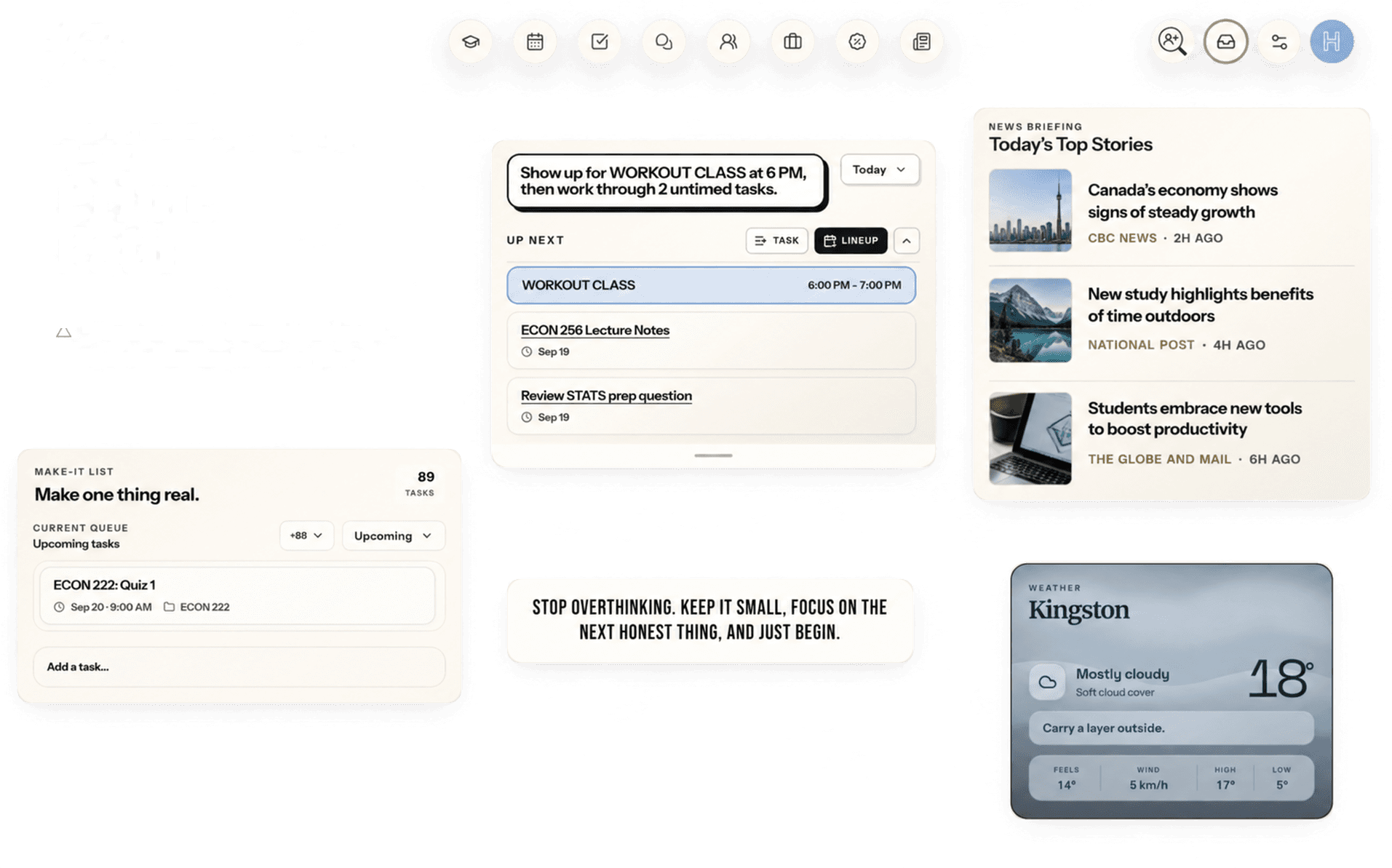
Classes, deadlines, tasks and life - all in one place.
What lands in it
Four schedules become one week - so a deadline is never sitting somewhere you forgot to look.
Stead reads your syllabus and lays every course out the same way - so class times, grade weights, readings and people are always where you expect them.
Talk with friends, build groups, discover what's happening, and show people what you're working on.
A demonstration of Stead’s social side: a room where friends are planning their week, a Sunday run club posted on Connect for other students to join, and the profile of the student who joined it.
Two things Stead keeps right beside your timetable: a short news briefing built from the topics you choose, and a board of student deals gathered from brands and discount sites, so you don't have to go hunting for either.
News
Your briefing, not the whole internet.
Your topics
Tap to change
TechTech desk1h
Chipmakers ramp up production ahead of the holidays
FinanceBusiness2h
Markets steady as new jobs data lands
ScienceScience3h
Lake ice forms early across the Great Lakes
Student deals
Every student discount, one board.
Show me
Curated for Canada
Laptops
Education pricing on a new laptop
Official brand
Audio
Student pricing on headphones and speakers
Student-discount platform
Software
Student licences for design and coding tools
Official brand
You pick the topics. Headlines and deals come from third-party sources, and showing one is not an endorsement of it. See our Terms and Privacy Policy.
Stead is full of ways to make it yours - how your dashboard is laid out, the typeface it's set in, the clock it keeps. It starts with the background: pick the colour you want to work in, and everything you see in Stead is shown on it.
Background colours
AtmosphereCreamy Beige
Warm and safe. The one you can read all day without blinking.
These are the backgrounds Stead comes in. Pick one and your dashboard, calendar and courses are all shown on it - try it here, and this whole site changes with you.
Sixteen atmospheres
Set Stead in the colour you work best in, from Creamy Beige to True Obsidian.
Your cards, your layout
Drag every card on your dashboard where you want it, and keep only the ones you use.
Five typefaces
Choose the typeface the whole app is set in, from a quiet sans to a bookish serif.
12 or 24 hour
Pick a clock once and every time in Stead follows it, from the calendar to reminders.
Your topics
Your news briefing covers what you choose to follow, and nothing else.
Courses, filed your way
Your own folders, your own kinds of work, and the section you're actually in.
Stead is currently free. There is no paid tier today, no trial to run out, and nothing held back behind one.
Currently free
The whole workspace, currently at no cost.
No credit card to start. If paid options are ever added, nothing is charged without your agreement.